How to Sell Custom Bouquets Online: The Interactive Builder Guide
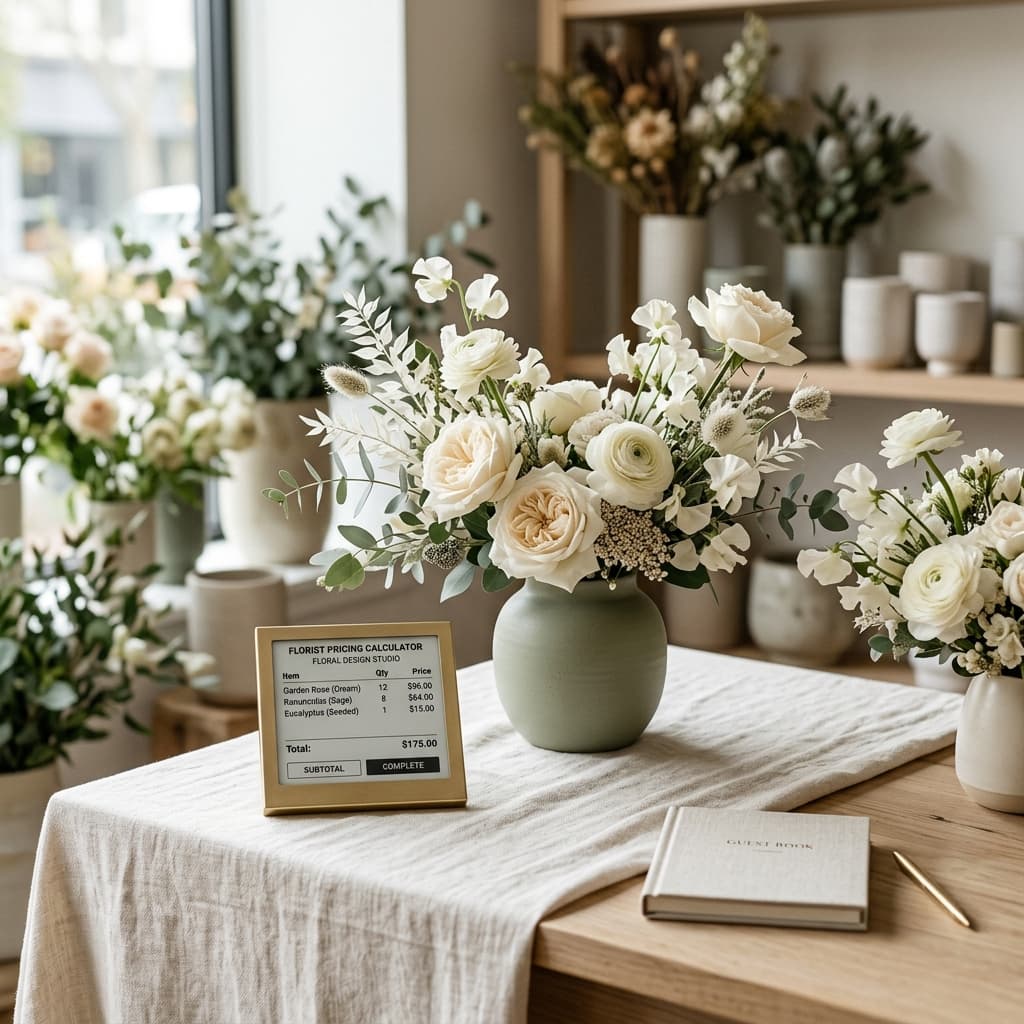
Learn how to let customers design their own bouquets on your website with an interactive step-by-step builder. Increase average order value by 35%+.
The biggest limitation of traditional flower shop websites is that they sell pre-made arrangements from a static catalog. Customers can't customize anything — they pick a photo, pay, and hope it looks like the picture. This leaves massive revenue on the table.
Why Static Catalogs Limit Your Revenue
When a customer visits a generic florist website, they see a grid of pre-made bouquets with fixed prices. If they want to change the flower type, add a vase, or include a gift, they have to call or message you separately. Most don't bother — they either buy the default option or leave.
This creates two problems:
- Low average order value: Customers buy the base arrangement without upsells.
- High abandonment: Customers who want something custom leave to find a shop that offers personalization.
How an Interactive Bouquet Builder Works
An interactive bouquet builder guides customers through a step-by-step customization flow directly on your website:
- Step 1 — Choose arrangement style: Classic bouquet, box arrangement, or centerpiece.
- Step 2 — Select primary flower: Roses, tulips, sunflowers, mixed seasonal.
- Step 3 — Pick a base or vase: Kraft wrap, glass vase, ceramic pot.
- Step 4 — Write dedication: Personalized message for the recipient.
- Step 5 — Add extras: Chocolates, stuffed animals, champagne, premium wrapping.
Each step presents upgrade options that naturally increase the order value. The customer sees their running total update in real time as they build their arrangement.
The Revenue Impact
Shops using FloristApp's interactive builder see meaningful increases in average order value because the guided flow creates natural upsell moments at every step. Instead of a flat $45 bouquet, a customer might spend $75 after adding a glass vase and premium wrapping.
How FloristApp's Builder Works
FloristApp includes a built-in interactive bouquet builder that connects directly to your product catalog and inventory:
- Bouquet Templates: You configure base arrangements with minimum stems, base price and foliage options.
- Product Types: The system uses product types (Standard, Bouquet Base, Bouquet Extra, Bundle) to populate each step.
- Real-Time Pricing: Applies your retail multiplier to calculate the final price automatically.
- Workshop Ticket: The resulting order generates a complete workshop assembly ticket with dedication details, selected items and delivery instructions.
No plugins, no third-party integrations — it's built into the platform from day one.
Frequently Asked Questions
How do customers build custom bouquets online?
With an interactive bouquet builder like FloristApp's, customers select their arrangement style, primary flower, base or vase, write a dedication message, and choose add-ons — all in a guided step-by-step experience on your website.
Does a bouquet builder increase average order value?
Yes. Shops using FloristApp's interactive builder report higher average order values because the step-by-step upsell flow naturally encourages customers to add premium flowers, upgraded vases and complementary gifts.
Streamline your flower shop operations today
Join florists automating orders, custom bouquet building, in-store POS, and shrinkage tracking with FloristApp.